Managing More Than One Warehouse? Double-Check Before You Bid
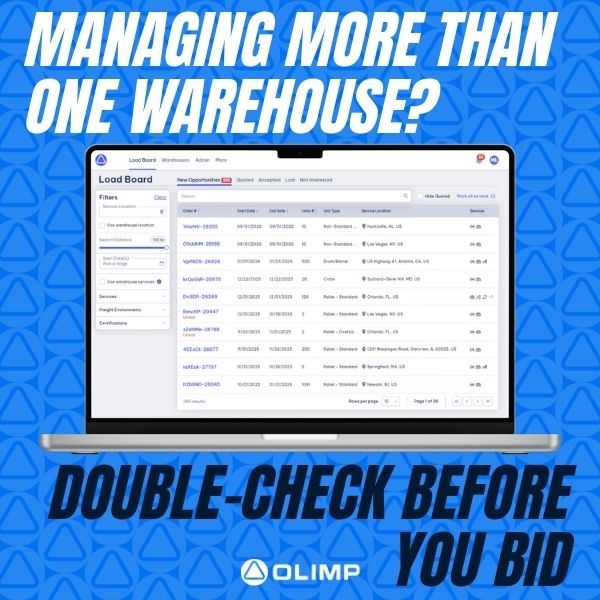
One Network, Many Locations? Make Sure You’re Quoting from the Right On
If you operate more than one warehouse location, it’s essential to make sure you’re placing bids under the correct facility. Quoting from the wrong location can lead to confusion, delayed shipments, or missed opportunities.
Before submitting a quote, navigate to the Submit Your Quote section in the platform. There, you’ll find a dropdown labeled “Bidding As” — this is where you can select the correct warehouse for each individual quote.
Taking just a few seconds to confirm your bidding location ensures accuracy, improves customer trust, and keeps your operations running smoothly.
Have questions about how to manage multiple locations on the platform? We’re here to help — just reach out to your Partner Success Manager for support.
You may be interested in
Everything You Need to Know About OLIMP 🚛
Fast, Flexible Warehousing with Real Time Support Curious about how OLIMP works or what makes us different? Here are some quick answers to our most frequently asked questions: ✅ How big is your network?We partner with over 5,000 warehouses across the U.S., Canada, and Mexico—so chances are, we’re already where you need to be. ✅ […]
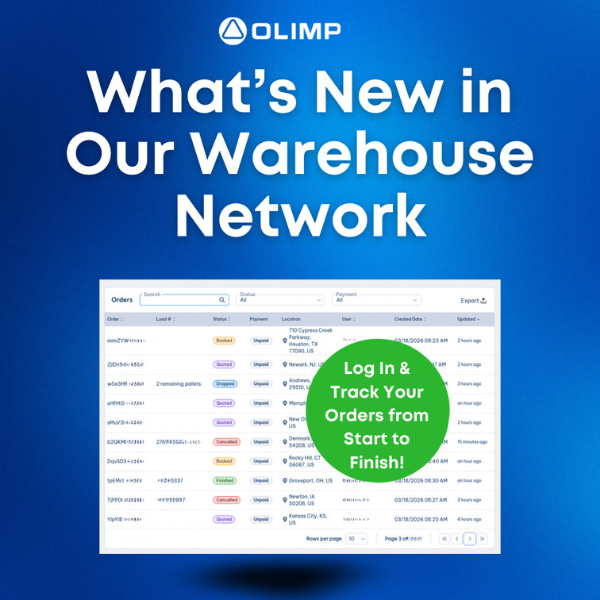
What’s New in Our Warehouse Network
Create an account to stay up to date! Our platform continues to grow, making it easier than ever to manage your warehousing needs in one place. When you create a free account and log in, you can view all your past and current orders, search for warehousing options across the US, and quickly request and […]
Peak Season is Here!
Maximize Your Inventory Space This Peak Season with Flexible, No-Minimum Storage Solutions! With the busiest time of the year upon us, it’s time to prepare your inventory for the surge in demand. If you’re looking for short-term storage solutions to accommodate your peak season needs, we’ve got the perfect option for you—no minimums required! Our […]
Ready to streamline your warehousing needs?
Request a quote today and discover how OLIMP's tailored solutions can optimize your operations